
Blogs & Articles
Read useful articles, tips, and updates about computers, IT solutions, and technology trends.
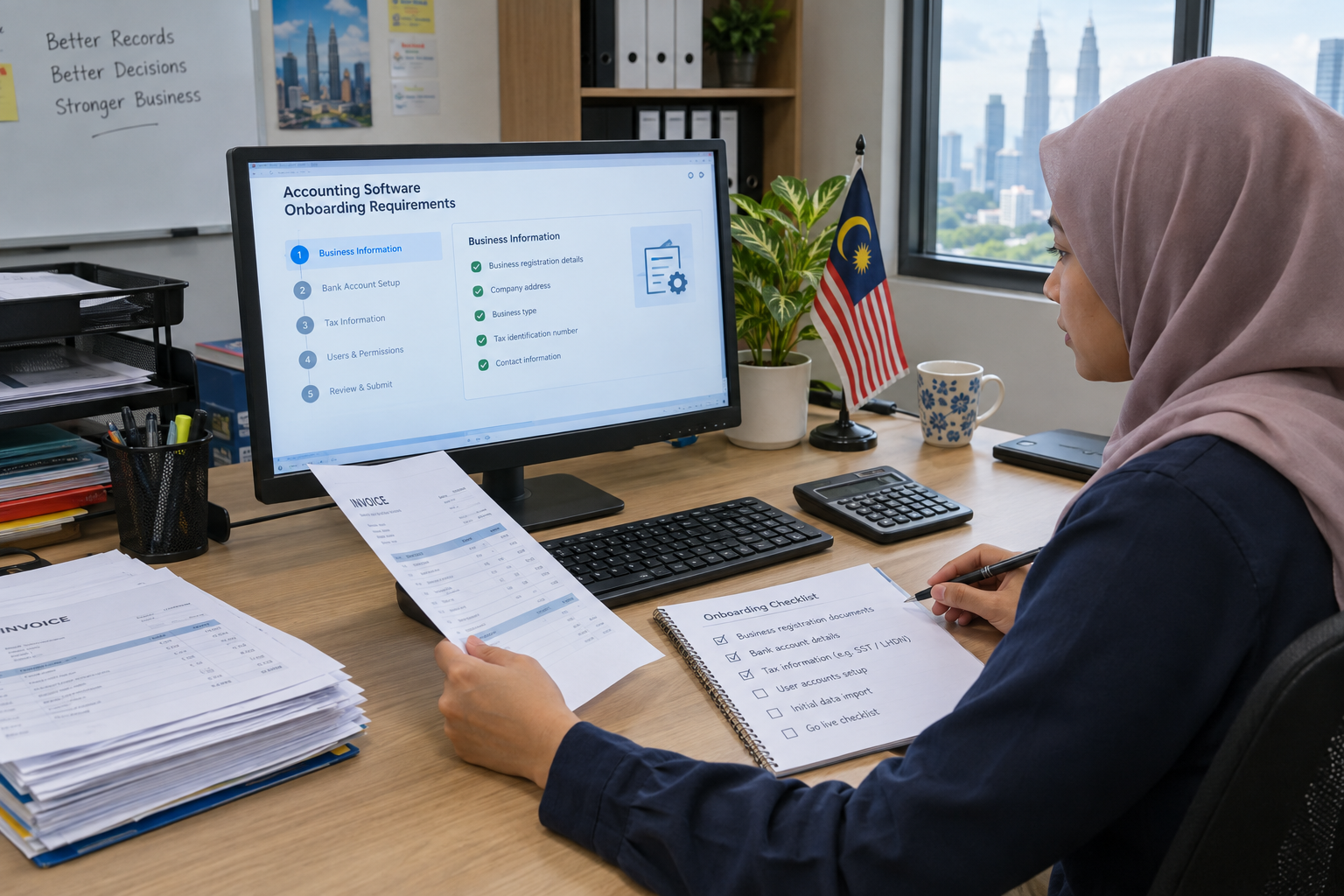
Choose & Onboard SQL Accounting Software in Malaysia (e‑Invoice ready)
Choose SQL Accounting Software in Malaysia only after matching its functions to your business processes and verifying the current e‑Invoice workflow with the supplier. A product description may mention Malaysian SME accounting, local reporting functions or e‑Invoice features, but those statements do not by themselves confirm that a particular edition, configuration or implementation will suit your business.
This guide focuses on the checks a small-business owner, finance staff member or office IT buyer should complete before requesting a quotation or approving an installation.
Begin with the work your team needs to complete every day. Available product descriptions associate SQL Account with core accounting areas such as the general ledger, customer and supplier ledgers, sales, purchasing and stock or inventory control. Treat that list as a starting point for a demonstration rather than proof that every function is included in every edition.
| Business need | What to ask the supplier to demonstrate | Decision evidence to request |
|---|---|---|
| Financial records | How the general ledger and routine reports support your accounting process | Applicable edition, module list and current quotation |
| Customers and suppliers | How customer, supplier, receivable and payable records are maintained | Sample workflow and user-access arrangements |
| Sales and purchasing | How sales documents, purchase records and approval steps are handled | Demonstration using a representative transaction |
| Stock or inventory | How item records and stock movements are recorded, if relevant | Confirmation of the required inventory functions and configuration |
Also record the number of users, existing records, reporting requirements and any connection with other business systems. Do not select software simply because its name matches the accounting category you searched for.
Do not treat the phrase “e‑Invoice ready” as a complete compliance conclusion. Ask the supplier to explain the exact workflow available in the proposed edition, including how invoices are prepared, submitted, monitored and corrected. Product descriptions associate SQL Account with e‑Invoice-related functions, but the current availability and configuration still need confirmation for your business.
Use the Inland Revenue Board of Malaysia e‑Invois guidance as the reference point for current implementation materials, guidance, FAQs and SDK documentation. Confirm the software workflow against the applicable official requirements before production use.
Product descriptions also associate the product with mobile e‑Invoice submission and automatic bank reconciliation for more than 20 Malaysian banks. Ask the supplier to demonstrate these functions using your intended workflow, and request confirmation of any edition, bank or configuration limitations.
The software decision is also an implementation decision. A low-touch purchase may leave your team responsible for preparing data, configuring users, testing transactions and managing the first production submission. A supported arrangement may reduce internal effort, but it can increase dependence on the supplier and should be defined in writing.
| Arrangement | Potential advantage | Questions before approval |
|---|---|---|
| Self-managed setup | More control over timing and internal configuration | Who handles data preparation, testing, backups and troubleshooting? |
| Supported onboarding | Shared responsibility for setup and user training | Are installation, migration, training and post-go-live checks included? |
| More involved implementation | Useful where several users, records or workflows need coordination | What are the stages, acceptance criteria, support contacts and exclusions? |
Request a written scope covering installation, configuration, migration, training, testing and post-go-live support. If you are assessing a local support route, the site’s SQL Accounting and Server Support page is a relevant place to review the available contact route; confirm the actual scope directly before making a commitment.
A staged process makes unresolved questions visible before users depend on the new system.
| Stage | Owner to confirm | Acceptance output |
|---|---|---|
| Requirements confirmation | Business owner and supplier | Approved module, user and workflow list |
| Configuration and data preparation | Supplier and nominated business users | Configured company records and reviewed master data |
| Accounting and e‑Invoice testing | Finance users and supplier | Documented test results and unresolved issues |
| User training | Supplier and process owners | Users know their tasks and escalation route |
| Go-live review | Business owner and support contact | Agreed launch decision, backup plan and support details |
Keep test records separate from live transactions until the business has approved the results. Do not move to production merely because the installation is complete; the accounting workflow and any required e‑Invoice process must also be understood by the users responsible for operating it.
Proceed when the required modules, proposed edition, e‑Invoice workflow, support responsibilities and testing steps are confirmed in writing. Pause when the supplier cannot explain which functions are included, who configures them, how errors are handled or what happens after go-live.
Before signing, request a current demonstration, quotation, implementation plan and written confirmation of the Malaysian requirements that apply to your business. If you need to discuss your situation with Aizawa Resources, contact the company through its website and confirm the precise service scope before proceeding.
No. Suitability depends on the required accounting processes, users, records, edition and implementation arrangement. Ask for a demonstration using representative transactions before choosing it.
No. It identifies a capability claim that must be checked against the applicable current guidance, proposed edition and actual business workflow. Confirm the details with the supplier and the Inland Revenue Board of Malaysia reference materials.
The quotation should identify the software edition, installation or configuration work, data migration, training, testing, go-live assistance and post-go-live support. It should also state exclusions and the person responsible for each task.
Pause when required modules, e‑Invoice handling, edition limits, migration duties or support arrangements are still unclear. Resolve those points in writing before committing.
Prepare your requirements table, a sample transaction flow and a list of e‑Invoice questions before requesting a demonstration. This gives the supplier a clear basis for confirming fit, scope and onboarding responsibilities. To discuss SQL Accounting setup in Penang, call OK Computers on 017-519 0359 (Mon–Sat, 11 AM–7 PM).
Reliable on-site and remote IT services for homes and businesses, ready whenever you need support.